
AI Website Builder Clarification: Better Questions, Less Guessing
See how Raccog asks about unclear website requirements, keeps clarification in chat and stops failed planning from silently creating a generic app.
 Raccog TeamWriter at Raccog3 min readUpdated 7 October 2026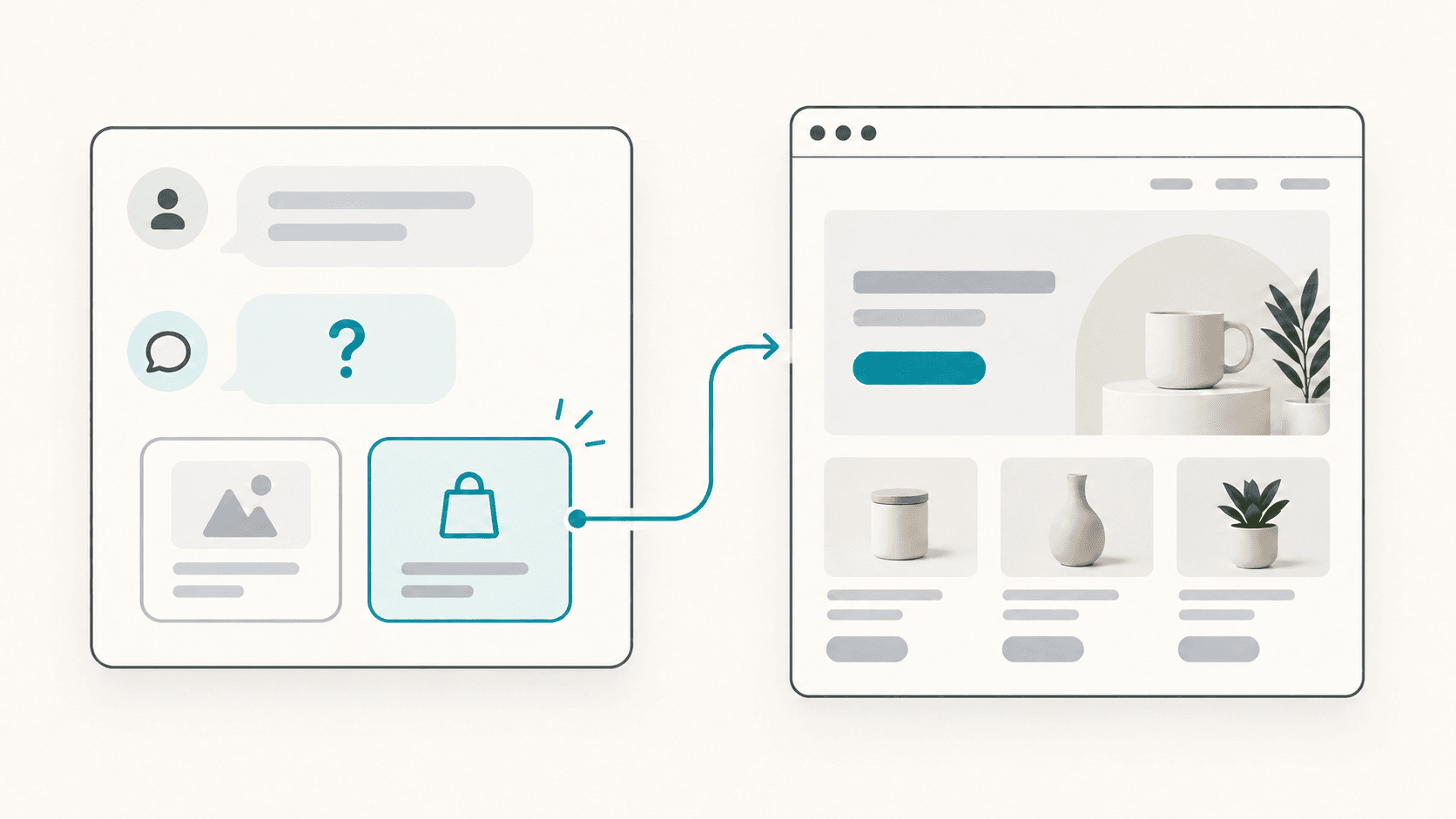
When an AI website builder produces the wrong result, the problem can start before any page is designed. A missing destination, an ambiguous instruction or an unspecified order flow can send generation in the wrong direction.
Raccog’s October 7 update strengthens clarification during planning. The builder is instructed to ask a specific question when an important requirement is unclear, save that question in the conversation and wait for the missing information before proceeding with that plan.
What deserves a clarification question?
A question is useful when different answers would produce materially different behavior. For example, “remove the old page” needs a unique target. “Set up checkout” needs an order or payment method. “Use my spreadsheet” may need the intended spreadsheet and its structure.
Routine design decisions are different. A clear request for a clean contact page should not require you to choose every gap, border or font weight. The planning guidance leaves ordinary visual decisions to the builder while reserving questions for choices that determine the outcome.
Update my store’s order flow. Ask which payment method I want before changing checkout, and preserve the existing catalog and design.
This brief identifies both the unresolved decision and the parts that should remain intact.
Questions now stay in the conversation
A clarification should be easy to find and answer. It should not disappear into a temporary error notification or appear underneath a claim that the requested build is complete.
Raccog now saves planning questions as chat replies. The reply appears without a completed-changes card. On small screens, the chat opens for the clarification so the next action is visible.
Your answer becomes part of the recent conversation used by the planner. Be specific enough to resolve the question: “Use cash on delivery” is more useful than “yes” when the builder has offered several order methods.
A failed plan should not become a generic app
An unclear requirement and a technical failure need different responses. The first calls for a question. The second calls for an honest failure message and a retry.
The update removes silent heuristic generation after failed page planning. Data-app planning also stops when it cannot produce a valid plan, rather than substituting generic application tables. This reduces the risk of receiving an unrelated app simply because planning was unavailable.
These checks do not guarantee that every model interpretation will be correct. They create clearer stopping points and give you a better opportunity to correct the brief.
Provide facts and let the builder propose presentation
Supply your real business name, products, destinations and approved copy. Identify demo content explicitly. Do not ask a draft to stand in for verified prices, customer reviews, credentials or working integrations.
A useful follow-up looks like this:
Use the existing Products sheet. The site is public, but product editing is for staff only. Build an order-request form; payments will be handled later. Do not show a payment-success message.
For a reusable starting point, use our AI website prompt template. For shopping sites, see planning an ecommerce website with Google Sheets.
Common questions
Will the builder ask questions for every request?
That is not the intent. Clear requests can proceed. Questions are for missing or conflicting details that affect what should be built.
Does this eliminate hallucinations?
No. The update improves planning instructions, routing and failure handling. Review generated content and test important actions before publishing.
What should I do if the result still misses my request?
Name the mismatch directly: who the page is for, what action it should support and which existing parts to preserve. This gives the next plan a concrete correction.
Try it on your own brief.
One sentence about the business, and Raccog drafts the whole site.
Read next