
From an idea to a website: build your first draft with Raccog
Turn a business brief into connected pages, then refine and publish with a focused review.
 Raccog TeamWriter at Raccog5 min readUpdated 23 September 2026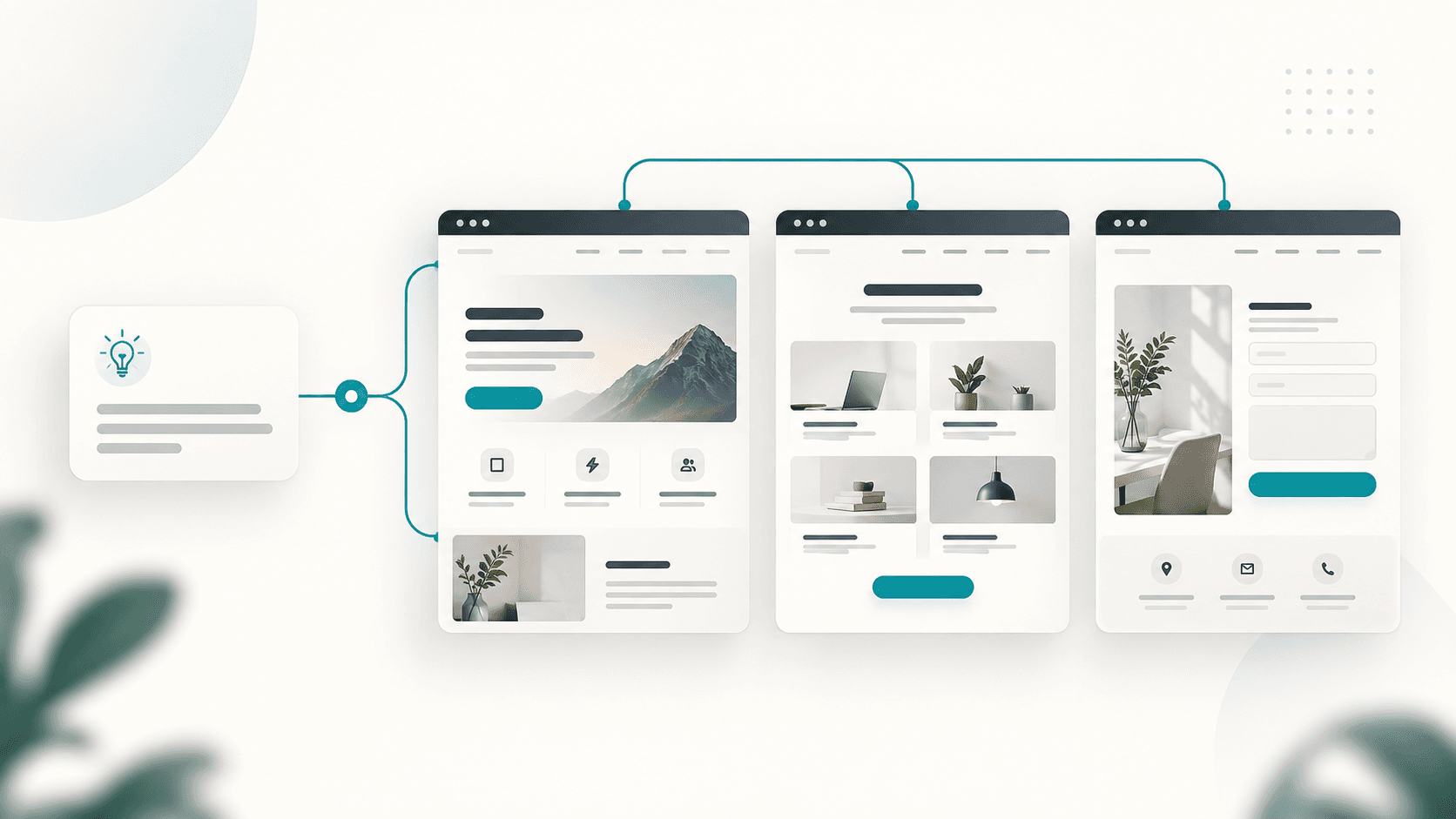
A website starts with a business idea. Turning that idea into page structure, copy and a consistent design is often where the work piles up. Raccog brings those tasks into one conversation: describe what you need, review the generated draft and ask for specific changes.
This guide walks the whole path once — brief, draft, review, publish — so you know what each step is for and what to check before your site is in front of anyone.
Start with the business, audience and goal
A useful brief tells the builder who the website serves and what visitors should do. You do not need a detailed design specification, but a few concrete details help the first draft get closer to your intent.
Try this prompt:
Create a website for a small interior design studio serving apartment owners. Include Home, Services, Our Work and Contact pages. Use warm neutral colors, clear service descriptions and a prominent consultation request button. Use clearly marked placeholders for project photos and do not invent client testimonials.
That gives the builder a page list, a visual direction and a primary action. Replace the example details with your real business information before publishing.
Three details do most of the work in that paragraph:
- Who it serves. "Apartment owners" rules out the contractor-facing language a studio site could otherwise default to.
- What the pages are. A named list stops the draft at four pages instead of inventing nine.
- What a visitor should do. One primary action gives every page somewhere to point.
Review a connected site
Raccog can generate multiple pages, so you can evaluate the visitor journey together. Does the home page explain the offer? Does the services page answer likely questions? Can someone reach the contact page from the navigation?
This reduces the repeated setup involved in assembling each page separately. The draft becomes something you can inspect and improve, instead of a blank page you need to fill.
Read the first draft the way a stranger would, in this order:
- The first screen of the home page. Can you tell what the business does and who it is for?
- The navigation. Is every page you asked for there, and does each name say what is on it?
- The page that answers "what does this cost, and how do I start?"
- The primary action. Is it reachable from every page without scrolling to the footer?
Write down what fails. Those notes are your next prompt.
Refine one decision at a time
Give feedback you could verify on the next preview. "Make it better" leaves a lot open to interpretation. "Shorten the hero to one sentence and move the consultation button above the project gallery" gives the builder a clear change to make.
A revision that can be checked usually names three things: the page, the element and the new state.
| Vague | Checkable |
|---|---|
| The home page feels cluttered | On Home, cut the feature grid to three items and remove the second testimonial block |
| Make the colors nicer | Use the warm grey from the header as the section background instead of white |
| The contact page is confusing | On Contact, put the form above the office address and drop the map |
Keep your actual prices, contact details and business claims in the review. Generated text is a starting point, and any customer-facing promise should come from you.
Check the draft before you publish
A short review catches most of what a visitor would notice first.
- Content that is still placeholder. Search the draft for sample names, sample prices and stock phrasing. Anything you would not say out loud to a customer gets replaced or removed.
- Mobile layout. Open every page at phone width. Look for headlines that break awkwardly, buttons that sit under the fold, and tables that push the page sideways.
- Navigation. Every page reachable, no link to a page that does not exist.
- Forms. Submit one yourself. Confirm you receive what a real enquiry would send.
- Page titles and descriptions. Each page needs its own. A site where every tab says the business name is a site search engines cannot tell apart.
- Images. Real photos where you have them, honest placeholders where you do not.
Publish, then keep editing
Publish using the Raccog hosting options available to your project — a Raccog address to start, or a domain you already own once you are ready to hand the link out.
Publishing is not the end of the draft. The pages stay editable in the same conversation, so the normal rhythm is: publish something honest and small, then improve it as you learn which questions visitors actually ask.
Common questions
How long does the first draft take? Generation time varies with the scope of the request. A four-page brochure site is quick; a site with dashboards, forms and working tools takes longer and is worth reviewing in stages.
Can I start from something other than a blank brief? Yes. Paste copy you already have, an outline, or a description of a site you like the structure of. Say which parts are final and which are open.
What if the draft is wrong in a big way? Restate the brief rather than patching the output. A wrong audience or a wrong page list is faster to fix at the source than to edit page by page.
Do I need a designer afterwards? Not to publish. A designer helps most once you know what the site needs to do — which is exactly what a live first version teaches you.
Try it on your own brief.
One sentence about the business, and Raccog drafts the whole site.
Read next