
Cookieless Website Analytics: Track Visits Without a Cookie Banner
Measure page views, traffic sources, clicks and completed forms on your Raccog site with built-in cookieless analytics. No tracking script and no cookies.
 Raccog TeamWriter at Raccog5 min readUpdated 1 October 2026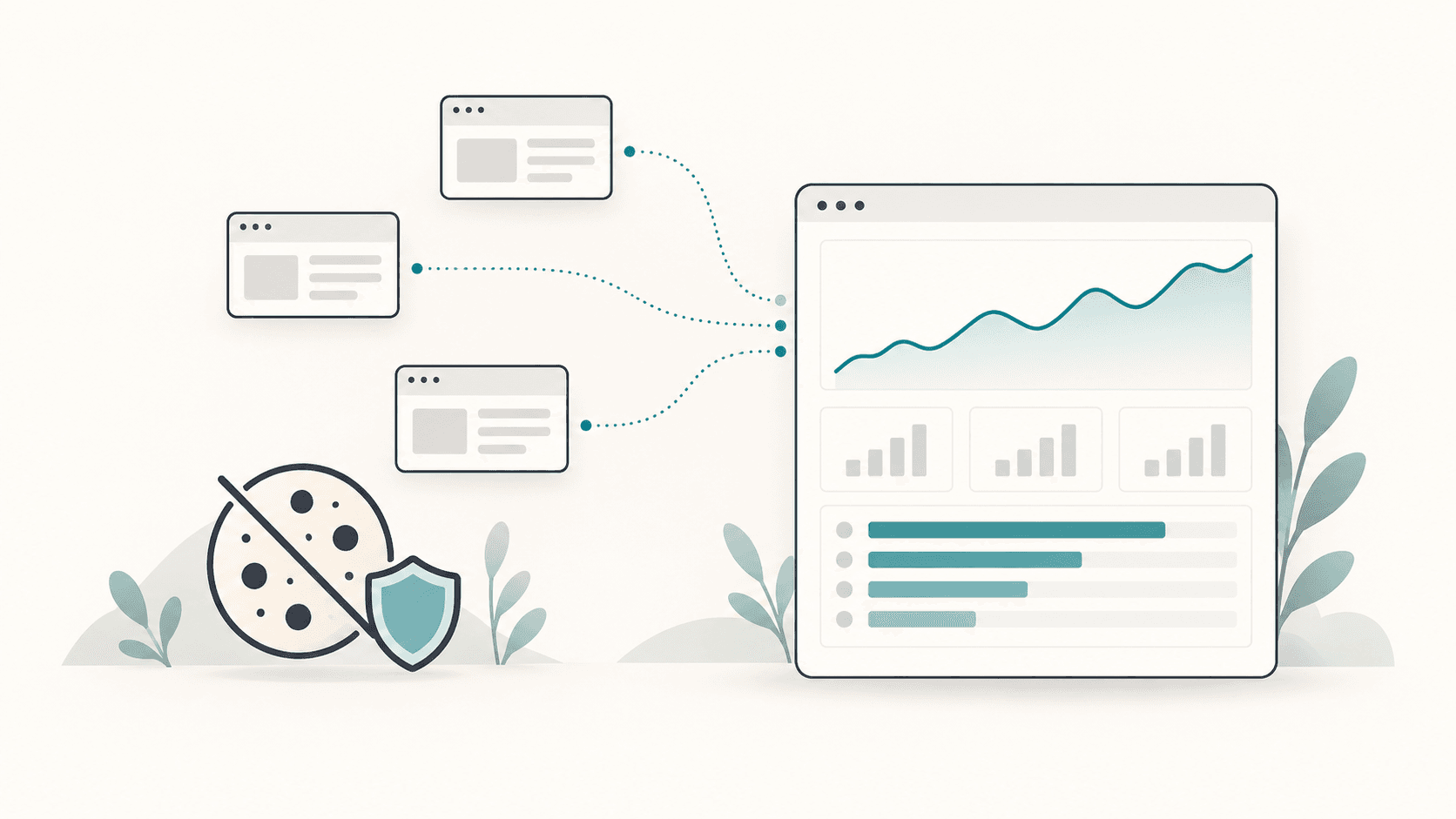
Most site owners open their analytics to answer four questions: how many people came, where they came from, what they looked at and whether they got in touch. Raccog answers those for every published site, with no script to install and no cookies to ask about.
Analytics that needs a consent banner usually ends up measuring the people who clicked "accept". Built-in, cookieless analytics counts everyone it is allowed to — and asks nothing of them.
What Raccog analytics measures
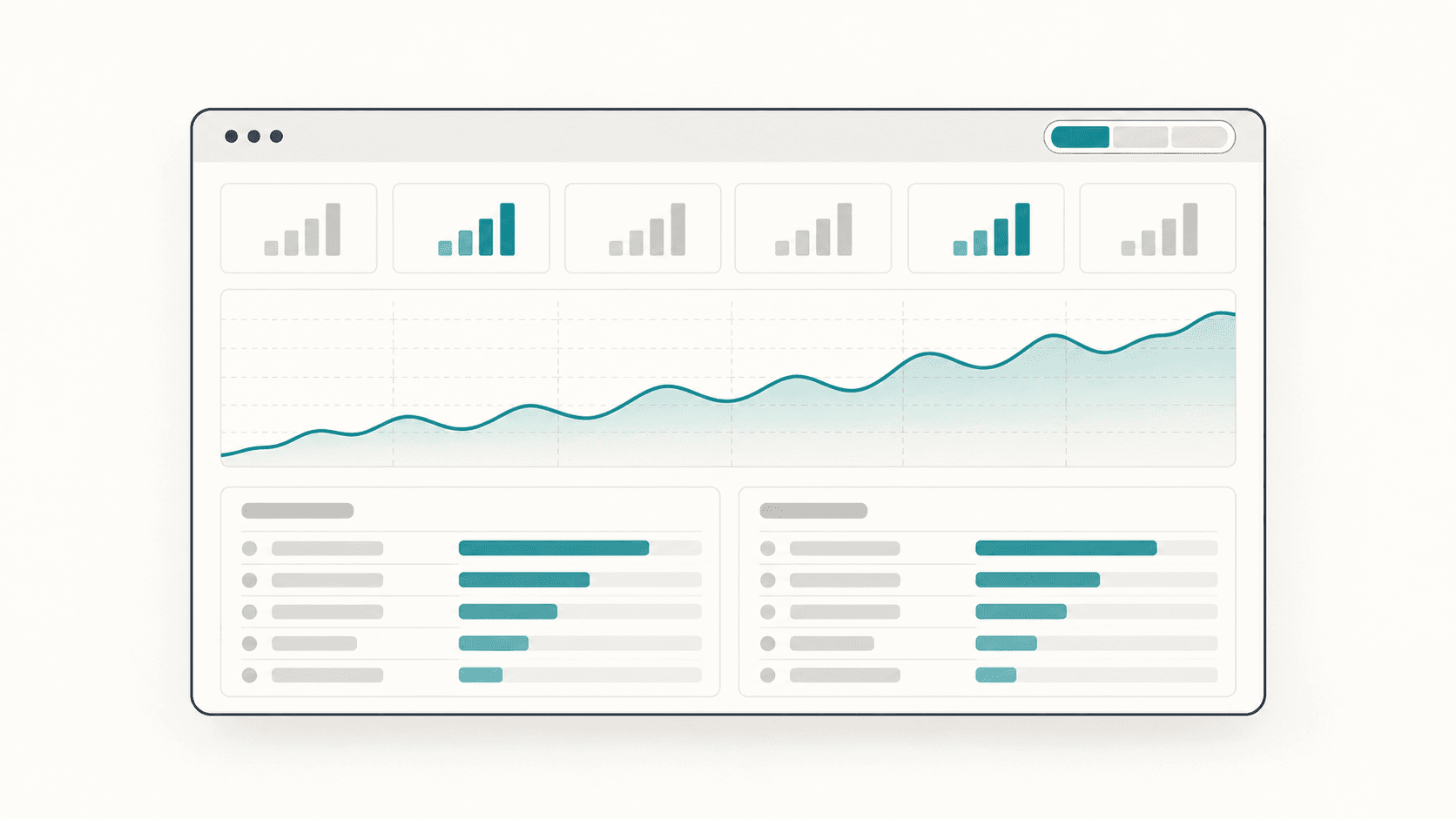
Turn analytics on for a project and every published page starts reporting:
- Visits and page views — with the trend for any page you pick.
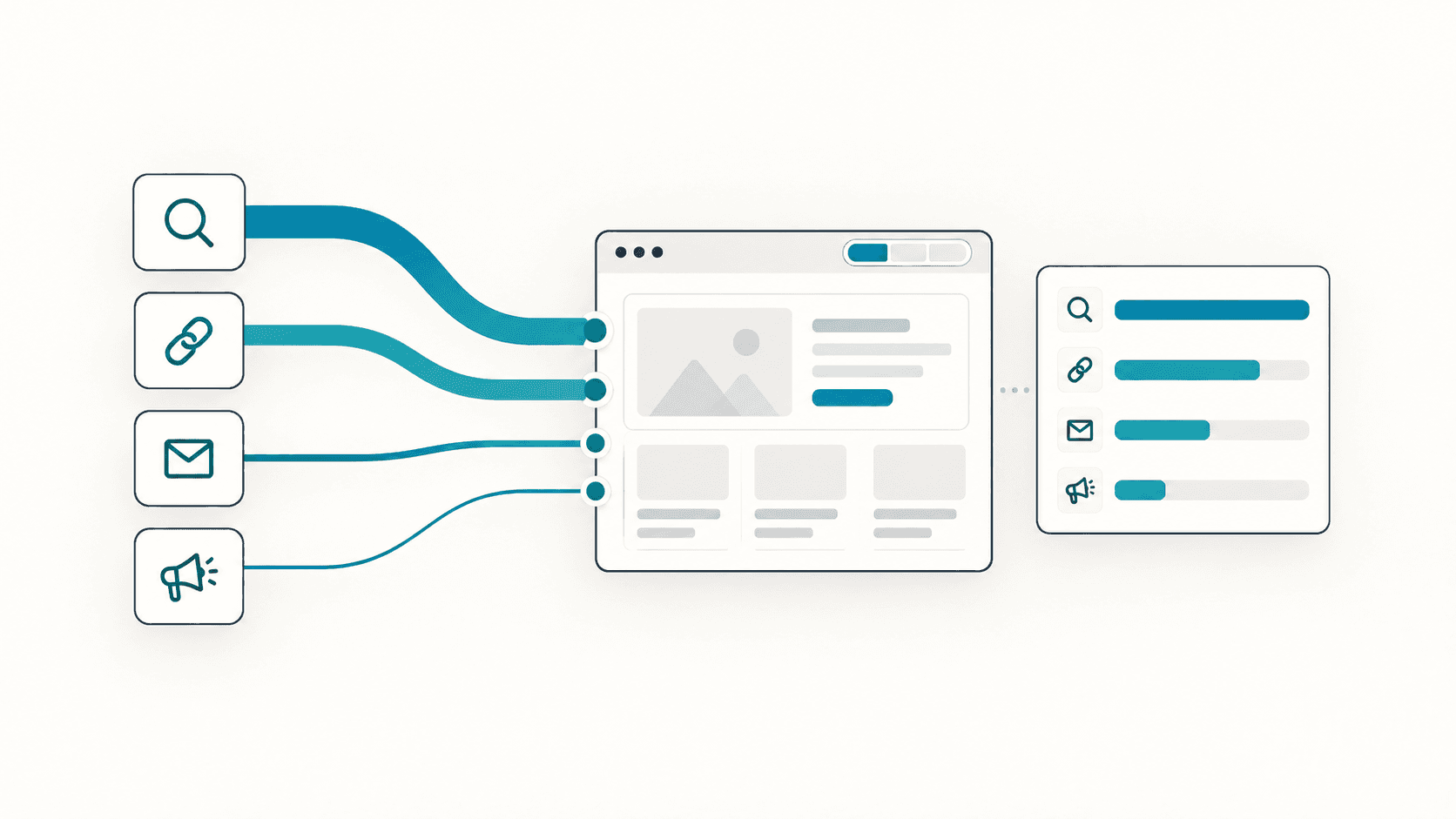
- Traffic sources — referring sites and UTM campaigns and mediums.
- Devices and browsers — mobile, desktop or tablet, and what they read on.
- Clicks — on links, buttons and anything you label.
- Forms — attempted and completed, kept apart.
- Engagement — how far down the page people scrolled and how long it was actually in front of them.
Choose a range of 7, 14, 30 or 90 days, or filter the whole report to one page. The report refreshes itself while it is open.
How cookieless analytics works
There are no cookies and no browser IDs. Published pages run on an isolated origin, so there is nothing to set and nothing to ask a visitor to accept.
Visitors are instead estimated from a site-specific hash of network and browser information. The raw inputs are never stored. That has a trade-off worth knowing:
- Page views and events are exact. Every load and every action is counted.
- Unique visitors are estimates. People on one shared network can merge; someone switching networks can split.
- Sessions are fixed 30-minute windows.
For a small business site, that is the right trade: honest numbers about what happened, without following anyone around.
The events that matter
Every report is built from a short list of events:
| Event | What it means |
|---|---|
page_view | One per page load, including back and forward |
click | A link, a button or anything with a data-analytics-event label |
form_submit | Someone tried to send a form — not yet a conversion |
form_success | A form that actually went through |
| Scroll depth | The furthest quarter of the page a visitor reached |
| Engaged time | Seconds the page was actually in front of someone |
| Custom | Whatever your page reports — a calculator finished, a tab opened |
Track form conversions, not form attempts
form_submit and form_success are counted separately on purpose. The gap between them is your form's failure rate. If many people try and few succeed, the form is losing enquiries — check validation and error messages first. Our guide to website form automation covers what to test.
Name your buttons
Pages that Raccog generates label their buttons and forms as they are built, so a click reads as book_table rather than button-3. When you add a new call to action, ask for a clear name:
Add a "Book a free consultation" button under the pricing table and label its analytics event book_consultation.
Privacy built in, not bolted on
- No form values, paths or query strings. A form counts as submitted or completed; what was typed is never sent.
- Do Not Track and Global Privacy Control both switch collection off for that visitor. Common bots are excluded.
- Only the owner sees reports. They need the signed-in project owner and are never cached.
- Data expires on its own. Turning analytics off stops collection at once; deleting the project deletes its data.
Privacy law differs by country and by what else your site does. Cookieless analytics removes one common reason for a consent banner — it does not replace reviewing your own obligations.
Turn analytics into decisions
Numbers are only useful if they change what you do next. A simple weekly routine:
- Check completed forms against last week. This is the number that matters.
- Look at top sources. Put more effort into the channel that sends people who complete forms, not just people who visit.
- Find pages with views but no clicks. Their call to action is missing, unclear or too far down — check scroll depth.
- Compare mobile and desktop. If one converts far worse, test the form on that device.
- Tag your campaigns with UTM parameters so each newsletter or ad shows up as its own row.
Common questions
Do I need to add a script or a tag? No. Analytics is built into sites published with Raccog. Enable it for the project and events start arriving.
Does it work on my own domain? Yes. It works on your Raccog address and on connected custom domains.
Is it a replacement for Google Analytics? It does not try to be. There is no ads attribution, cross-device identity or geography. It tells you who came, from where, what they opened and what they completed.
Can I export the data? Yes. Every table in the current view exports as one CSV, for the range and page you have selected.
Does it cost anything? It is included on every plan, and reading reports does not spend your build allowance. Learn more on the website analytics page.
Try it on your own brief.
One sentence about the business, and Raccog drafts the whole site.
Read next