
PostgreSQL or Google Sheets? Choosing a Database for Your Web App
Compare Google Sheets and PostgreSQL as the database behind a Raccog web app. Learn how storage, secrets, team access and records work, and which to choose.
 Raccog TeamWriter at Raccog4 min readUpdated 1 October 2026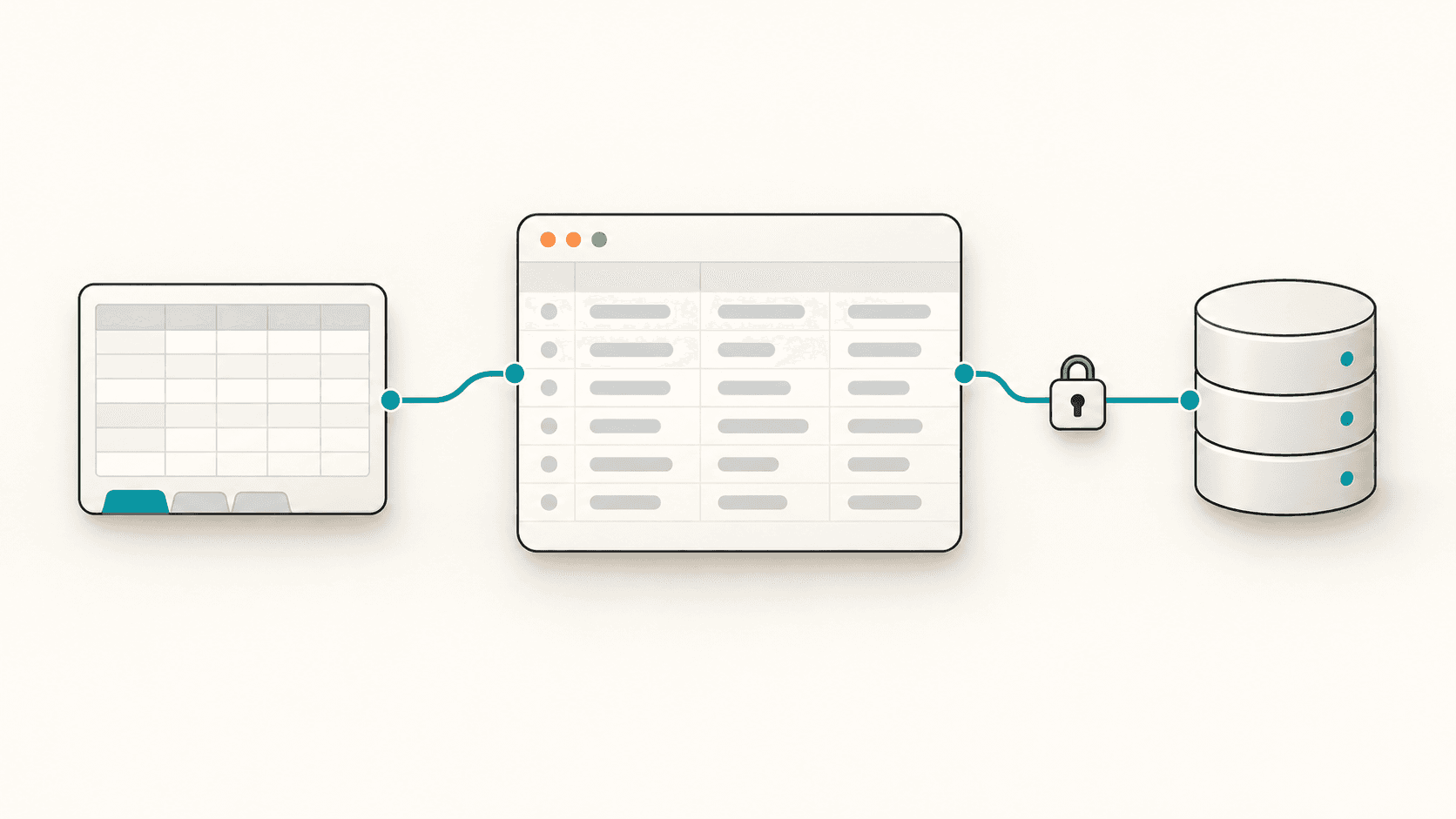
A web app is only as useful as the data behind it. When Raccog builds a database-backed app such as a CRM, it asks where the records should live — a Google Sheet or your own PostgreSQL database. This guide explains the difference, so you choose once and choose well.
The right answer is rarely about technology. It is about who needs to see the data, how much of it there will be and what else has to read it.
How a Raccog data app stores records
Every data app starts from a single description of its tables and fields. That one description drives four things at once:
- The storage — the database tables or the spreadsheet tabs.
- The workflows that read and write records.
- The app page your team signs in to.
- The Database panel in your workspace.
Because they come from the same source, they always agree. Add a field and it appears in the storage, the app and the panel together.
Each record gets an id, a created_at and an updated_at automatically. Fields can be text, long text, email, phone, URL, number, currency, date, yes/no, a select list, or a relation to another table.
Option 1: Google Sheets as your database
Choose Google Sheets and Raccog creates a spreadsheet with one tab per table. It is available on every plan.
Good fit when:
- You want to see and edit the raw data in a familiar tool.
- Someone outside the app — an accountant, a partner — already works in Sheets.
- You are starting out and the dataset is measured in hundreds or low thousands of rows.
Watch out for:
- Editing column headers in the sheet directly. Columns are matched by name, so rename fields through Raccog instead.
- Spreadsheets slow down as they grow. Plan to move once the data does.
Build a simple CRM for my design studio and store the data in Google Sheets.
Option 2: Your own PostgreSQL database
Choose PostgreSQL and Raccog creates the tables in a database you already run — on any provider that gives you a standard connection string. It is available on paid plans.
Good fit when:
- The data will grow into tens of thousands of records or more.
- Other systems, reports or developers need to query it directly.
- You want the data in infrastructure you control, with your own backups.
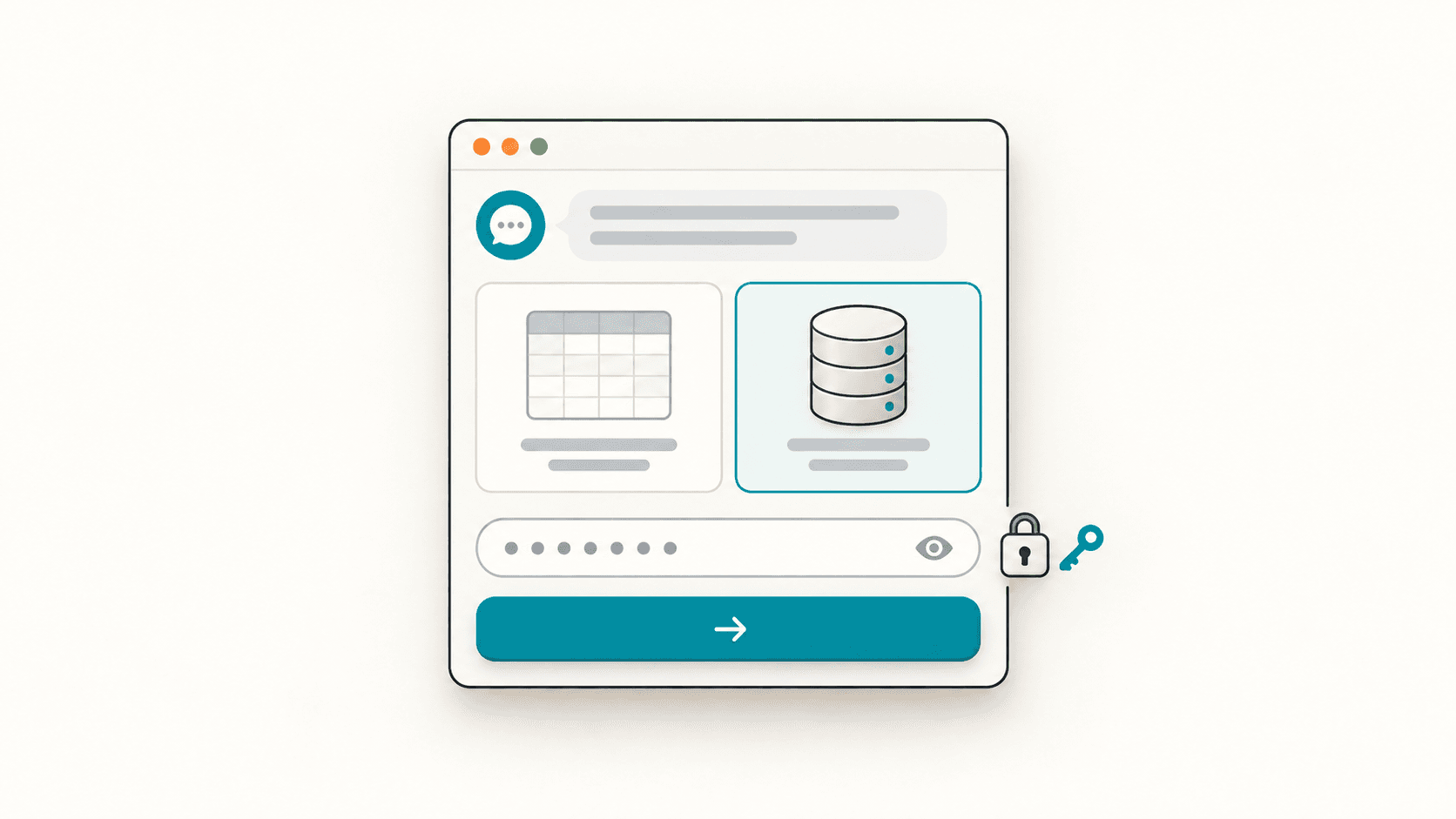
A connection string looks like postgresql://user:password@host:5432/dbname. When Raccog asks for it, paste it into the storage prompt — not into the chat.
Build a CRM for a recruiting agency and use my PostgreSQL database.
Sheets vs PostgreSQL at a glance
| Google Sheets | PostgreSQL | |
|---|---|---|
| Plan | Every plan | Paid plans |
| Setup | Connect your Google account | Paste a connection string |
| Edit data outside the app | Yes, in the spreadsheet | With any database tool |
| Best size | Small and growing | Large and growing |
| Other tools can read it | Anything that reads Sheets | Anything that speaks SQL |
| Who runs it | You or your provider |
Keep connection secrets out of your pages
Your database password is a secret, so Raccog treats it like one:
- The connection string is stored in your project secrets, never in the chat transcript.
- The Database panel shows where the data points — the host and database — never the password.
- Workflow logs redact sensitive values before they are recorded.
- Generated pages never receive the connection string; they talk to workflows, and the workflows talk to the database.
If you ever suspect a password has leaked, rotate it with your database provider first, then update the secret in Raccog.
Manage records from the Database panel
You do not need to open the app to look at your data. The Database panel in your workspace shows each table as a grid, the storage status and the last sync, so you can check that records are arriving where you expect.
From the same settings you manage the Team — the people who can sign in to the app with their own email and password.
Common questions
Can I switch from Google Sheets to PostgreSQL later? Ask Raccog to use your PostgreSQL database instead. The tables are created there from the same specification. Move existing rows across before your team starts working in the new storage.
Does Raccog store my records? New data apps keep records in the storage you choose — your Google Sheet or your PostgreSQL database.
Which PostgreSQL providers work?
Any that give you a standard postgresql:// connection string and allow connections from outside your network.
Is my data shared with other Raccog users? No. Each project has its own storage, secrets and team. Only the people you add can sign in to the app.
Can I use a database without building a CRM? Data apps are built around a CRM today. You can shape that CRM to track almost anything — properties, candidates, orders, projects. See how to build a custom CRM with AI.
Try it on your own brief.
One sentence about the business, and Raccog drafts the whole site.
Read next