
Build an Ecommerce Website with Google Sheets: A Better Brief
Plan an AI-built ecommerce website with Google Sheets. Define your storefront, product data and order flow without getting an internal dashboard instead.
 Raccog TeamWriter at Raccog3 min readUpdated 7 October 2026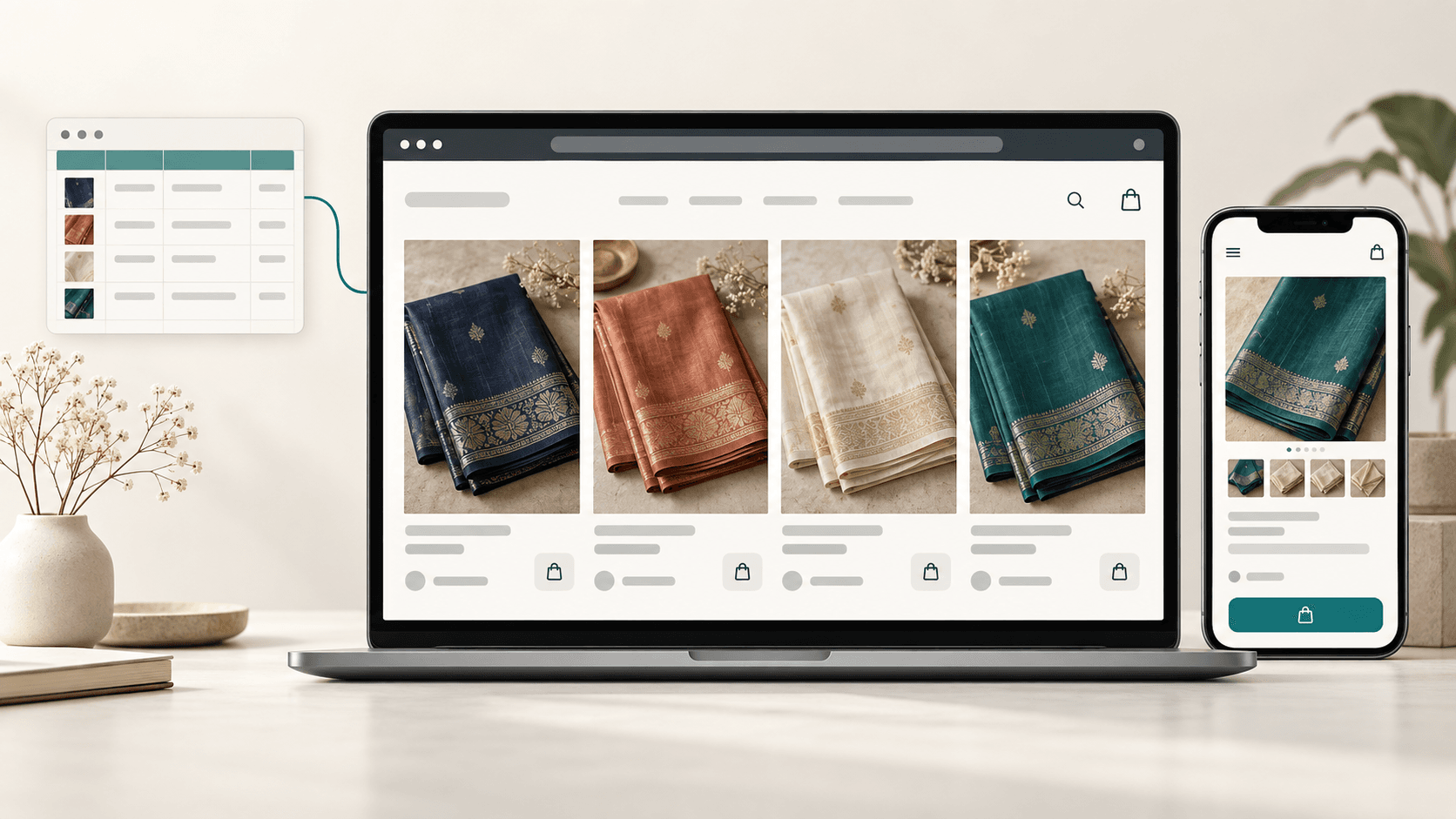
An ecommerce website with Google Sheets has two distinct requirements: a shopping experience for customers and a place to keep product data. Choosing a spreadsheet should not turn the website into an internal records dashboard.
Raccog’s October 7 builder update improves that distinction. Ecommerce website requests now go through the page and workflow planner rather than automatically selecting a team-only data-app template. This also applies when a request includes both a storefront and an admin area.
Start with the shopping experience
A customer wants to browse products, understand the options and place an order. A team member needs to update stock, review orders and maintain records. Those journeys may use the same data, but they need different interfaces.
For a saree brand, describe the customer journey first:
Create a customer-facing ecommerce website for my saree brand. Include a collection page, product details and a cart. Use Google Sheets for product data. Ask me how customers should place orders before implementing checkout. Keep unavailable prices and product photos as clearly labeled placeholders.
The builder should preserve that storefront intent. Mentioning a database, spreadsheet or inventory does not make an admin dashboard an acceptable substitute.
Specify what the spreadsheet holds
Describe the fields your catalog needs. A starting list could include a product identifier, name, fabric, weave, color, price, availability and approved image URL. Separate product facts from presentation choices: the builder can propose a layout, but it should not invent your prices or stock levels.
Say whether you already have a spreadsheet or want a new one. An existing sheet needs its actual structure and an authorized connection before the site can use it. Asking for Google Sheets in a prompt is not proof that the connection is complete.
Our guide to choosing website storage explains the broader storage options in Raccog.
Choose an order flow before checkout
“Checkout” can mean online payment, cash on delivery or an order inquiry that your team confirms. These lead to different forms, workflows and success messages.
The updated planning guidance asks about this choice when it is missing. A useful answer is:
Start with order inquiries. Collect the selected product, quantity, customer name and contact details. Do not take payment. Show confirmation only after the order request has been saved successfully.
For online payments, name the provider you intend to use. Credentials, an implemented integration and a tested payment flow are still required. Product tables alone do not provide payments, tax calculation or stock reservation.
Review the result as a customer
Before publishing, check that the generated site lets a visitor discover products, open details and reach the intended order action. Then verify the data connection and submit a test order through the complete flow.
Check the same journey on a phone. Long product names, fabric descriptions and price labels should remain readable without pushing buttons off-screen. See our mobile typography guide for a focused review checklist.
Common questions
Will requesting Google Sheets create a complete online store?
It specifies the desired storage. The storefront, data access and ordering workflow still need to be generated, connected and verified.
Can I also request an admin dashboard?
Yes. Ask for both experiences explicitly. Raccog now routes mixed storefront and admin requests through the general planner so the public shopping journey is not discarded in favor of a records template.
Does this update repair an existing generated project automatically?
No. Request a revision and review the resulting changes. Existing pages are not regenerated simply because the builder’s routing has changed.
Try it on your own brief.
One sentence about the business, and Raccog drafts the whole site.
Read next